Landscape Blueprint Maker
The landscape design is an incredibly exciting area allowing you to plunge into the world of closeness to nature. Today, the landscape design is used everywhere — in the design of parks, squares, territories near administrative buildings, schools, kindergartens, hospitals, hotels, shops, private homes, etc.
The garden paths occupy a special place in the landscape design, they own and their combinations with lawns form the pattern of landscape design. The paths form the landscape segments and allow free movement on all territory of the site. An enormous variety of ideas for the design of the paths exists and you are free to choose and implement any you like. Strive to focus on the overall design of your site, the paths' purpose, and your own preferences. The winding paths pass around the landscape compositions or structures. The precise straight paths are also popular. The main paths are usually wider, the internal ones are narrower. The choice of materials is also enormous. The tiles, stone, paving stones, gravel, and many more materials are used. Their combinations are also reasonable. The combination of large stones and small gravel looks beautiful and practical. For example, the main paths are made from the tiles, the secondary ones from the stones or cuts of wood. Other options are also possible.
When the paths are already planned, think about greening. Arrange the lawn areas, places for planting deciduous trees and large coniferous plants, shrubs. Consider the placement of flowerbeds and compositions of plants of various types, sizes, and shapes. Next, think about the adding of water elements — a waterfall, pond, or artificial stream. The use of water in any form is a winning option for a plot of any size, shape, and type, in most cases, it becomes a feature of a plot.
Add impressive landscape designs to your floor plans, design the outdoor areas, garden plots to the small details, create a water communication plan with ConceptDraw DIAGRAM landscape blueprint maker. Being supplied with Landscape & Garden solution, it combines the ease of use with a robust set of landscape design tools. Construct with ease the flowerbeds, lawns, paths, fences, patio areas, covered or open porches, decks, etc.
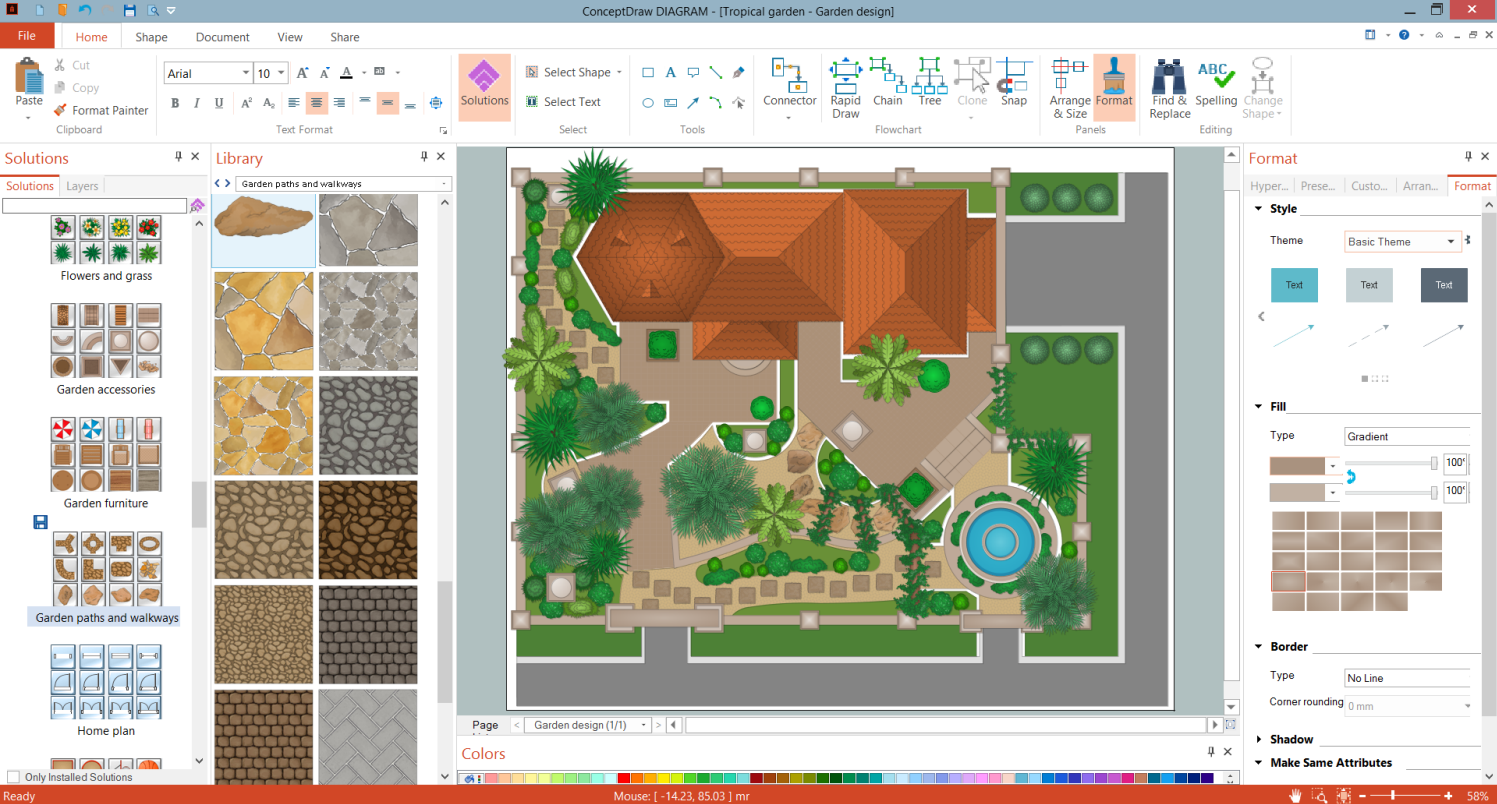
Example 1. Landscape Blueprint Maker - ConceptDraw DIAGRAM
Turn attention to the extensive collection of landscape design samples offered by Landscape & Garden solution. They are good examples of solution use and also the source of ideas for your own designs. You can find all variety at ConceptDraw STORE.
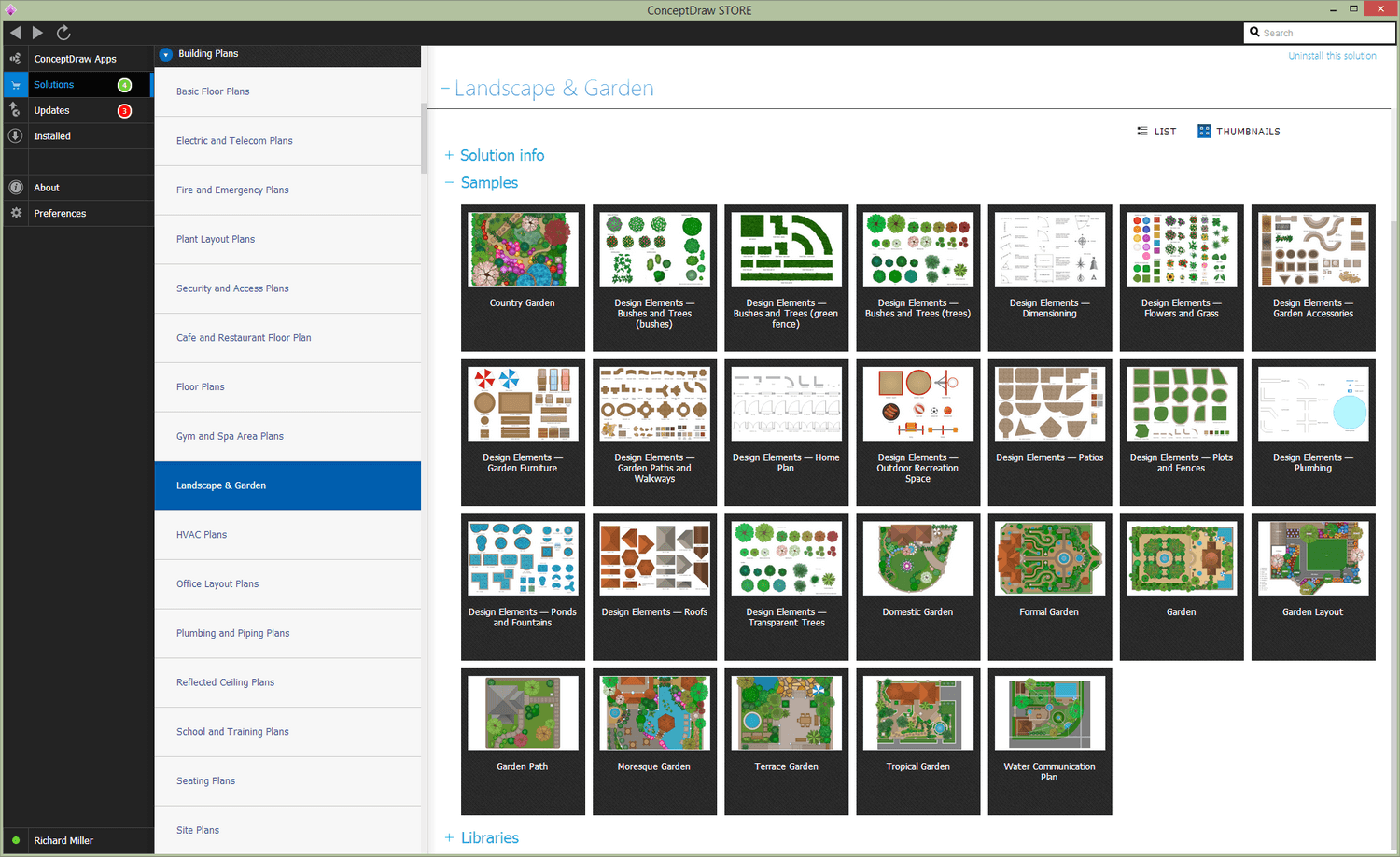
Example 2. Landscape & Garden Solution in ConceptDraw STORE
The following features make ConceptDraw DIAGRAM the best landscape blueprint maker:
- You don't need to be an artist to draw professional-looking diagrams in a few minutes.
- Large quantity of ready-to-use vector objects makes your drawing diagrams quick and simple.
- Great number of predesigned templates and samples give you a good start for your own diagrams.
- ConceptDraw DIAGRAM provides you the possibility to use the grid, rules, and guides. You can easily rotate, group, align, arrange the objects, use different fonts and colors to make your diagram exceptionally looking.
- All ConceptDraw DIAGRAM documents are vector graphic files and are available for reviewing, modifying, and converting to a variety of formats: image, HTML, PDF file, MS PowerPoint Presentation, Adobe Flash, MS Visio.
- Using ConceptDraw STORE you can navigate through ConceptDraw Solution Park, managing downloads and updates. You can access libraries, templates, and samples directly from the ConceptDraw STORE.
- If you have any questions, our free of charge support is always ready to come to your aid.