Express-G Diagram
Any needed EXPRESS-G Diagrams can be always created with help of the Solutions downloaded from ConceptDraw STORE application and used while working in ConceptDraw DIAGRAM diagramming and drawing software.
One of the data modelling language for product data is EXPRESS, formalized in the ISO Standard as ISO 10303-11. The data models are known to be defining the data objects as well as the relationships among different data objects for a domain of interest. The most standard applications of data models support the processes of developing databases as well as enabling the exchange of data within some area of interest.
The sata models can be specified in a data modelling language, such as EXPRESS, which is defined in the EXPRESS Language Reference Manual. Such EXPRESS data models can be defined in a few ways: graphically and textually. The graphical representation is often known to be better for people to use, but the so called “EXPRESS-G” graphical representation is unable to represent all the details which can be simply formulated in some textual form.
EXPRESS is known to be similar to such programming languages as Pascal, for example. Lots of different datatypes can be defined together within the SCHEMA with algorithmic rules as well as structural constraints. An opportunity of validating a population of datatypes in a formal way is a main feature of EXPRESS data modelling language for product data. Such opportunity can be used for checking for all the algorithmic as well as structural rules.
Being a standard graphical notation used for the information models, EXPRESS-G is known to be a useful companion to the EXPRESS language, used for displaying type and entity definitions, cardinality and relationships. The mentioned graphical notation supports a subset of the EXPRESS language and the advantage of using EXPRESS-G, but EXPRESS, is that the structure of the data model can be represented in a better, meaning a more understandable, manner. Although, there are also the disadvantage of using EXPRESS-G, such as the complexity of the constraints which cannot be properly specified.
There are a few datatypes which EXPRESS can offer, including the specific data type symbols of the EXPRESS-G notation. One of such datatypes is an entity one, which is known to be the most important datatype in EXPRESS, being related in a way of a sub-supertype tree as well as by the attributes. Another example of the datatype is an enumeration one, which is also commonly used as the enumeration values are simple strings such as green, blue and red for an RGB.
Another data type, which is known to be called “defined” as well as a “select” can be also describes, but they seem to be not used as much. In a select data type the selects define a choice between a few different options, such as between different entity types. Sometimes the selects are used which include the defined types. Another datatype is called a “simple” one, such as a “string” one, which is the most often used type. All EXPRESS strings can be of any needed length containing any character (ISO 10646/Unicode).
Such data type as Binary is the only one which is very and very rarely used, covering a few bits, as the size is limited to up to 32 bit. The Logical data type is very similar to the one calls a “Boolean” datatype, where the values of TRUE and FALSE are used, but also the UNKNOWN as well. The so called “number data type” is a supertype of integer and the real ones: EXPRESS integers have any length, although most of the implementations restricted them to a 32 bit value, and an EXPRESS real value has no limits in size and in accuracy. A real value is usually represented by a floating point value of a type double.
The kinds of the so called “aggregation data types” are BAG, SET, ARRAY and LIST. While ARRAY and LIST are ordered, BAG and SET are unordered and a BAG may contain some particular value more than only once, which is not allowed for SET. An ARRAY though is the only aggregate containing the unset members, which is impossible for LIST, SET and BAG. It is important to mention that the members of any aggregate may be of any data type.
There are also a few more things which are important to be mentioned for datatypes, such as the fact the constructed datatypes can be defined within an EXPRESS schema and used for defining the entities as well as specifying the type of the aggregate members and the entity attributes. Any datatypes can be used in a special way for building up more other data types, the complex ones. Thus, it is always possible to define a LIST of an ARRAY of a SELECT of some entities or some other datatypes in case it can make any sense.
An EXPRESS is known to be defining a couple of rules of the way some datatype can be specialized in the future, which is important for the so called “re-declared attributes” of the entities. The GENERIC data types are widely used for procedures, abstract entities and functions.
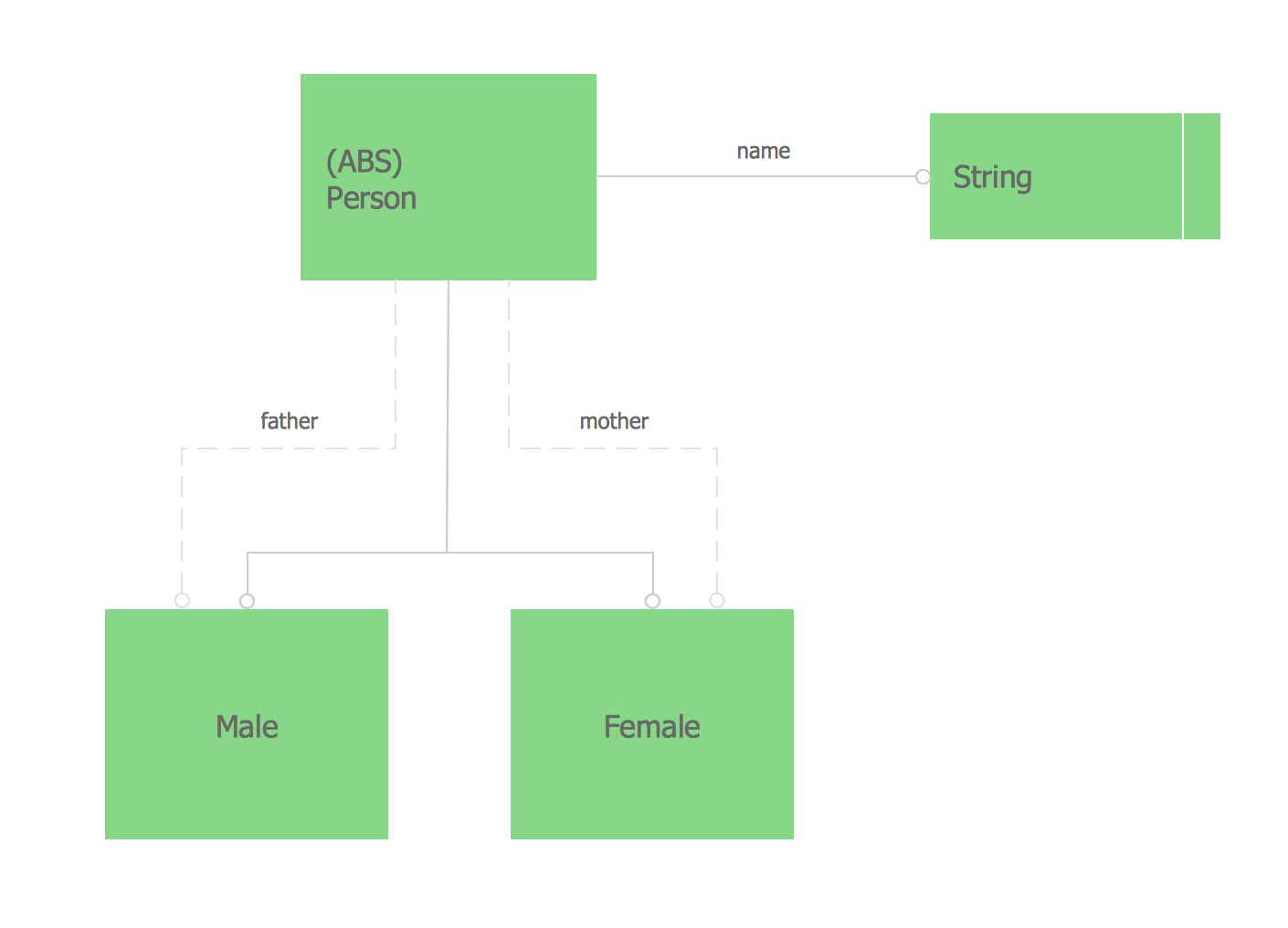
Example 1. Express-G Diagram — Family Scheme
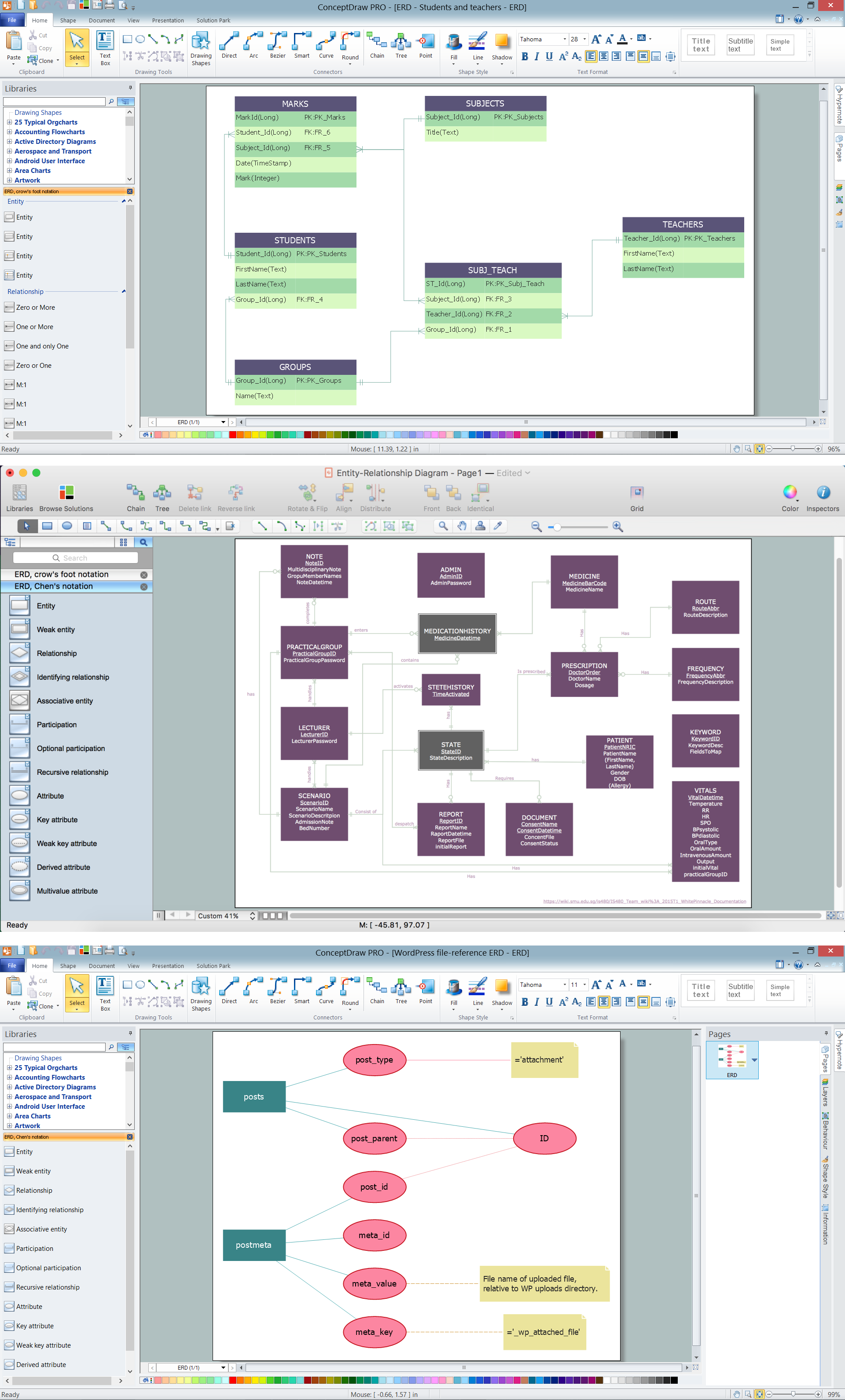
You can always create any needed express diagrams with help of ConceptDraw DIAGRAM diagramming and drawing software as long as you have all the needed tools, such as the design elements previously created by those who know lots about express diagrams as well as all similar drawings. Having the solutions downloaded to your desktop from ConceptDraw STORE after downloading ConceptDraw DIAGRAM from this site can be very beneficial as there will be no need any more to make your own design symbols, but use the existing ones, provided in the mentioned solution.
Apart from having all the needed graphic elements, you can always use the pre-made samples of the express diagrams from the stencil libraries of the mentioned solution. Whatever needs to be created, you can always do it with help of ConceptDraw DIAGRAM diagramming and drawing software where the basic design symbols are, as well as with help of both ConceptDraw DIAGRAM and ConceptDraw STORE as the last mentioned application was developed especially for simplifying work of drawing different diagrams for all the ConceptDraw DIAGRAM users.